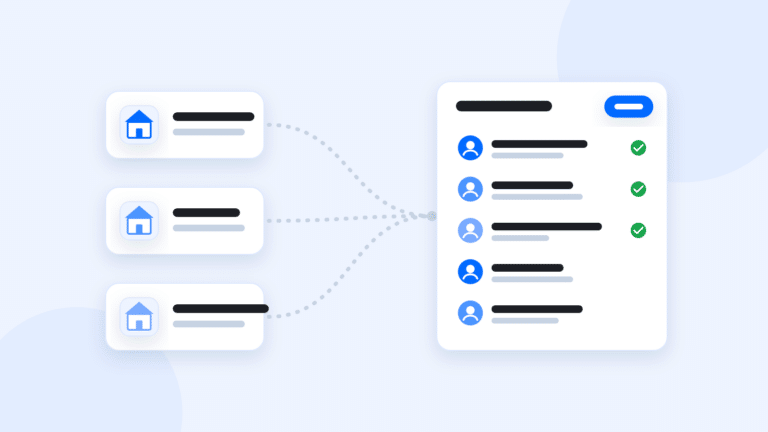
To get Zillow, Realtor.com and Homes.com leads into one CRM, connect each portal to your CRM, tag every lead with its source and send a test lead from each before you rely on it. Then set up routing and a first-touch plan so portal leads get a fast reply wherever they came from.
The goal is simple: one list, so nobody on your team works three inboxes and no lead sits in an email folder.
Why one list matters
- Speed. Portal leads are often talking to more than one agent. If you’re checking three apps, you’re slow.
- Follow-up. A lead stuck in an email inbox is a lead nobody follows up on.
- Reporting. When every lead lives in one place, you can see which source turns into closings, not just which sends the most leads.
Step 1: find out how each portal connects
Portals connect to CRMs in a few different ways. Ask your CRM provider exactly how each one works:
- Lead email forwarding. The portal sends its lead email to a special address, and the CRM reads it and creates the lead. Simple, and it works with most portals.
- A direct integration. The portal sends the lead straight to the CRM. Zillow also offers two-way connections with a few CRMs, so notes and status stay in sync with its Premier Agent app.
- Through another CRM. If your team already routes portal leads into one CRM, a sync can bring them into a second system.
- Zapier or an API. For smaller sources, these can send leads in too.
Ask what’s one way and what’s two way. If status and notes don’t go back to the portal, you’ll update the portal yourself when it asks.
Step 2: connect and tag every source
- List every place leads come from today: Zillow, Realtor.com, Homes.com, your website, ads, open houses and referral programs.
- Connect each one, or set up forwarding to your CRM’s lead address.
- Make sure each lead is tagged with its source, like “Zillow” or “Realtor.com.”
- Turn off any old forwarding that still sends leads to a personal inbox.
Step 3: send a test lead from each source
Don’t assume it works. Submit a test inquiry on a listing, or ask the provider to send one, and check:
- The lead lands in the CRM within a minute or two.
- The name, phone, email and the home they asked about all came through.
- The source tag is right.
- It went to the right agent, and the alert reached them.
- The follow-up plan started.
Repeat the test after any change to your portal account or your CRM.
Step 4: set routing and the first touch
Portal leads usually asked about one specific home, so the first message should be about that home. Set up:
- Routing: round robin, first to claim or a set agent, with an accept window so an unaccepted lead moves on. See lead routing for real estate teams.
- An instant reply that names the home and says when you’ll call.
- A call task for the agent who owns the lead.
- A follow-up plan made for portal leads, not the generic drip you send website signups.
Step 5: check consent before you text
Whether a portal lead agreed to texts depends on the form they filled out and what it said. Check the wording the lead agreed to and keep a copy. If you can’t tell, call or email first and ask if they want texts. For the rules, see our guide to texting leads legally. It’s general information, not legal advice.
Common problems, and how to fix them
- Duplicate contacts. The same buyer inquires on Zillow and Realtor.com. Merge them, and keep both source tags so your reports stay honest.
- Missing details. If the home they asked about doesn’t come through, check the lead email format with your provider.
- Leads still going to one agent’s inbox. Check each portal account’s lead settings, not just the team account.
- Status out of sync. With a one-way connection, update the portal yourself when it asks.
The short version
Connect every portal, tag every lead, test each source and start follow-up right away. Our guide to choosing a real estate CRM explains what else to ask. In GGMS, you forward Zillow’s lead emails to your GGMS lead address, and Premier Agent and Flex leads land tagged Zillow. Realtor.com and Homes.com come in the same way, included in every package. See GGMS and Zillow.