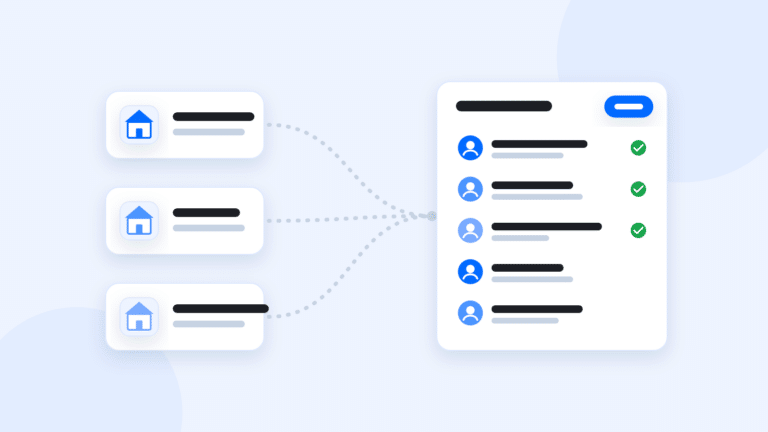
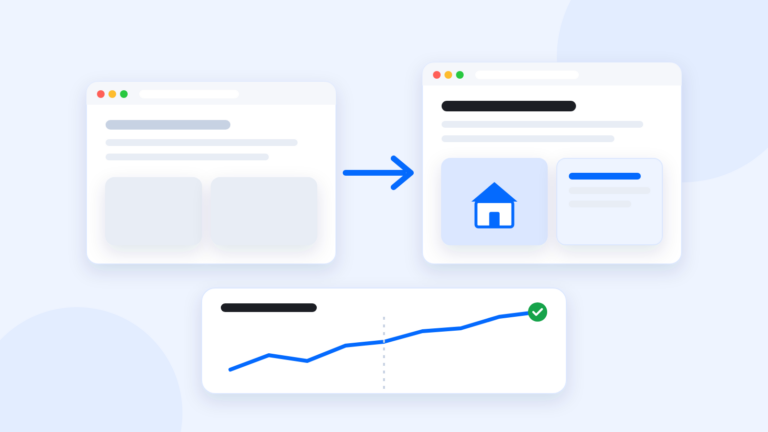
To move your real estate website without losing Google traffic, keep the URLs that already rank, set up a 301 redirect from every old URL that changes, and watch Search Console closely after the switch. Google says rankings can bounce around for a few weeks during any site move, so a little movement is normal.
Why site moves lose traffic
Google ranks pages, not websites. Your “homes for sale in Maple Grove” page has a URL that Google has crawled, trusted and sent people to for months or years. If that URL disappears, Google finds an error page instead, and the ranking goes with it.
This is where most switches go wrong. Someone builds a nice new site, the old URLs vanish and months of search progress go with them. The fix is simple, but it has to happen before cutover, not after.
Step 1: find the pages that matter
Open Google Search Console for your current site. Go to the performance report, set the date range to the last 12 months and sort pages by clicks.
Export that list. Your top pages are usually:
- Your homepage
- Neighborhood and community pages
- Blog posts that answer local questions, like moving guides or school info
- Home search pages for specific areas or price ranges
- Your about and contact pages
Don’t have Search Console set up? Do it now, before you move. Also save screenshots of your top pages so you can check nothing important got left out of the rebuild.
Step 2: build a redirect map
Make a spreadsheet with 2 columns: old URL and new URL. Every page worth keeping gets a row.
- If the new site can use the same URL, great. Write it in both columns.
- If the URL has to change, write the closest new page. Send /maple-grove-homes/ to your new Maple Grove page, not to the homepage.
- For old listing pages, point them at a search page for that area, since the listing itself has probably sold.
- For pages you’re dropping, redirect them to the most relevant page you’re keeping.
Then set up a 301 redirect for each row. A 301 tells Google the page moved for good. Google’s guide to site moves with URL changes covers the details, and its page on redirects explains the types.
Step 3: keep what was working
Redirects carry the address. The page still has to deserve the ranking.
- Keep the titles and descriptions on pages that were ranking.
- Keep the content, including the local detail that made it useful.
- Keep your internal links pointing to the right pages.
One thing to check first: make sure you have the right to move it. Your own writing and photos are yours. Some platforms supply content, like pre-written posts and stock photos, and keep the rights to it. Read your old platform’s terms.
Step 4: switch, then watch
On cutover day:
- Point your domain at the new site.
- Test 10 old URLs from your spreadsheet. Each should land on the right new page.
- Submit your new sitemap in Search Console. Google’s sitemap guide explains how.
- Update the website link on your Google Business Profile.
- If your domain name changed too, use Search Console’s Change of Address tool.
Then check Search Console weekly for the first month or two. Look for pages Google can’t find, and add redirects for any you missed. Compare clicks to the month before. A small dip that recovers is normal. A steep drop on one page usually means a redirect is missing.
Keep your old site’s URL list for a while after the move. You’ll want it if something odd shows up later.
How GGMS handles a move
GGMS builds your new site on a staging domain while your old one stays up, then switches your domain when you say go. You have 2 ways to bring your pages over. Connect your own AI and have it rebuild your pages and posts as drafts for free, then add redirects in your SEO toolkit. Or hire us for a Content Move: $499 covers your first 25 pages and posts, then $10 a page. We count and map every page, redirect every old URL and check Search Console after the switch. More on our switching page.
The short version
Find your top pages in Search Console, keep their URLs or 301 redirect them, keep the content that was working and watch Search Console after the switch. Our switching platforms guide has the full checklist.