


Yes. Every package includes the GGMS CRM. Starter has 2 seats, Growth 5, Pro 10 and Scale 25. Need more? Add seats to any package for $25 a month each. Past 25 seats, ask about custom pricing.
GGMS CRM
ggms crm · tasks
Search contacts
⌘K
+ New Contact
Know who's ready before you call.
Every lead, conversation and website visit in one place, so you call the right lead about the right home.
OF
JE
Tasks
Your tasks
Team performance
+ New Task
7
Open
Workable now
1
Overdue
Past due
3
Due today
On the clock
9
Next 7 days
Coming up
Mine
Team
All
Search tasks...
Reminders due
1
SLA at risk
0
Stale
0
High priority
1
Automated
1
Any type ▾
Any priority ▾
Call Ryan Brooks
Viewed 6 homes this week
High priority
Overdue
RB
Text Nina Kale
New lead from Zillow
Due 10:30
NK
Email Sam Patel
Back on your site after 30 days
Automated
Due 1:00
SP
Call Lena Wu
Saved a search in Westlake Village
Due 3:30
LW
Showing prep for Maria Torres
Saturday at 10:00
Tomorrow
MT
Inside the CRM
One place for every lead.
Every view, save and search on your site lands on the contact, next to calls, texts, emails and notes.
RB
Ryan Brooks
Buyer · Single-story homes · $900k to $1.2M
14
homes viewed
3
saved
2
searches
Viewed 412 Lynn Ranch Rd, 3 times
Today, 9:42 am
Saved it to "Newbury Park favorites"
Today, 9:44 am
Ran a search: 3 bd, under $1.2M, single story
Today, 9:51 am
Opened "New homes in Newbury Park"
Tuesday
Texted back: "Can we see it Saturday?"
Tuesday
MLS search and alerts
Send the right homes. Skip the rest.
Draw the areas. Filter on 200+ MLS fields. Alert your client.
OF
JE
Search
Browse the MLS · draw areas · filter · alert
Save search
Create alert
Search
Saved Searches 5
Listing Alerts 4
Collections 2
Drawn areas
2
Include
Polygon · Thousand Oaks
Exclude
Circle · near the 101
+
−
Status
is
is not
Active, Coming Soon
Property type
is
is not
Residential
List price
$900k
$1.6M
Zip code
is
is not
91320
Added filters · 200+ MLS fields
Beds 3+
Private pool
View: Mountain
18 matching
Reset
Show 18 listings
Draw as many areas as you want.
Polygon, rectangle or circle. Include some, exclude others.
Filter on 200+ MLS fields.
Set each one to is or is not. Fields depend on your MLS.
Save it. Or send it.
Make it an alert, or send homes to a contact in two clicks.
2 selected
Send to contact
Lead sources
Leads from everywhere.
Your website, your ads, Zillow, Realtor.com and Homes.com all land in the same CRM, tagged by source.
WEB
Your website
Signups land with the homes they searched, saved and viewed.
ADS
Your ads
Listing ad leads land with the home they tapped.
ZI
Zillow
Tagged Zillow, so you know where the conversation started.
RC
Realtor.com
Tagged by source, with a follow-up plan ready to go.
HC
Homes.com
Comes in the same way, so your team works one list.
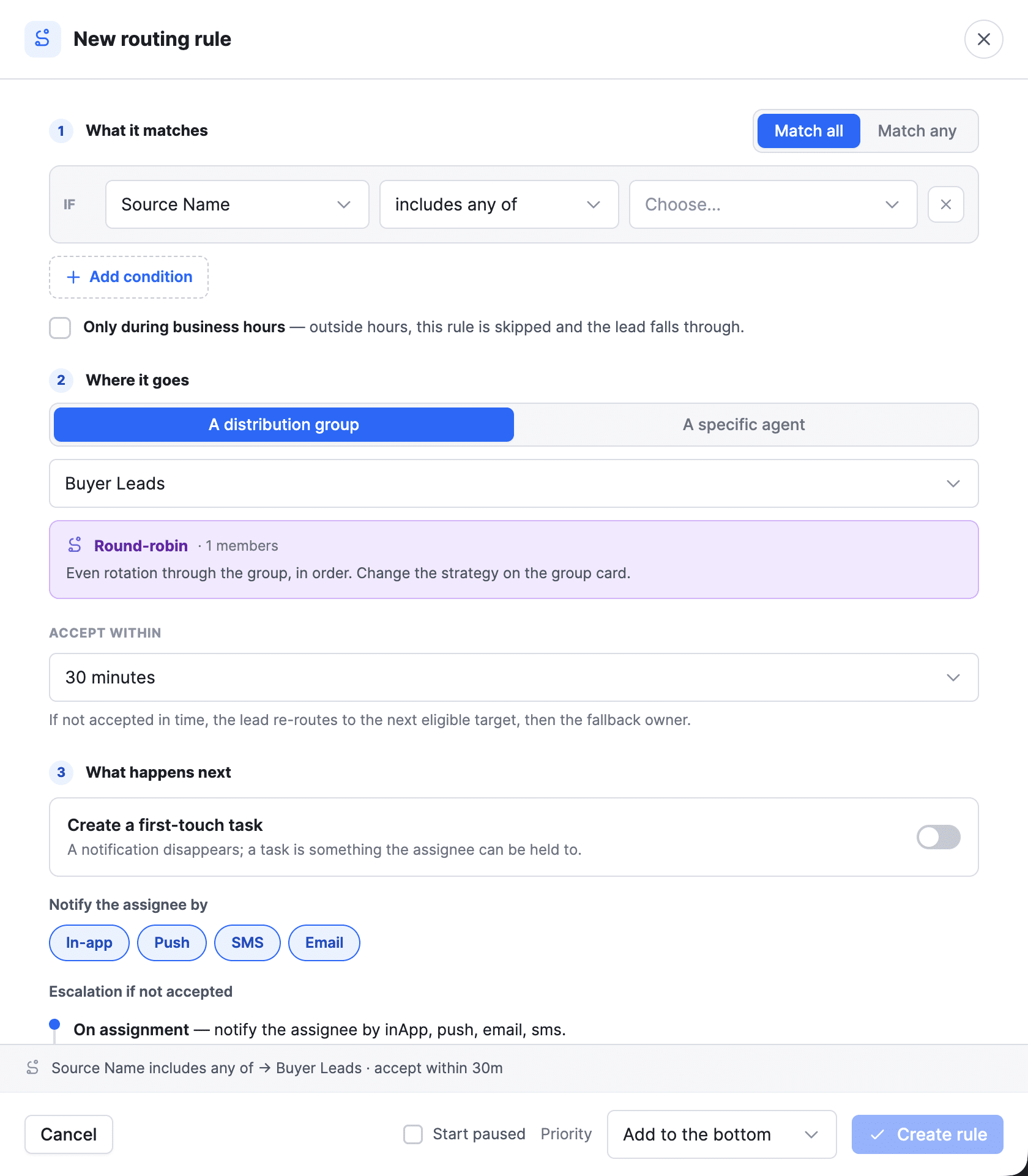
Each lead goes to the right agent: round robin, first to claim or a set agent. Portal connections come with every package. See all lead sources ›
Follow-up
Then follow up from the same place.
Call, text and email from the contact. Follow-up plans handle the timing.
Calling, texting and email
Click to call from your browser, two-way texts from your business number and your Gmail or Outlook inbox, all on the contact.
See calling and texting ›Automations
Follow-up plans start the moment a lead signs up, saves a home or comes back to your site. In the CRM, they're called workflows.
See automations ›Already on Follow Up Boss or Sure Send? Keep it. Both sync 2 ways with GGMS. See integrations ›
Site Intelligence · in your browser (beta)
Ask your AI to work your CRM.
Sign in to GGMS in an AI browser like Claude in Chrome. Site Intelligence's CRM specialist builds the work as a draft, and you turn it on.
Find leads who viewed homes this week but have no listing alert, and draft one for each.
Listing alerts, drafted for your OK
Build a follow-up plan for open house sign-ups: a text tonight and an email in 2 days.
A draft plan, with every text and email to check
Make a saved search for single-story homes under $900K in Newbury Park.
Ready for your site or an alert
Texts and emails wait for you. A direct connection between your AI and the GGMS CRM is coming soon. Meet Site Intelligence ›
Questions? Answers.
Is the CRM included in my package?
Can I keep using Follow Up Boss or Sure Send?
Can I bring my contacts over?
Which lead sources come into the CRM?
How are leads assigned to agents?
Can I see what a lead does on my site?
Does it sync with Gmail or Outlook?
Is there a mobile app?
Can I run the CRM with AI?
Is there a deal pipeline?